Collaboration Whiteboard Tooling
Digital whiteboards for distributed teams: they enable collaborative architecture design and event storming across remote boundaries.
Why it matters
Tools help make systems thinking practical in analysis, communication, and implementation.
Next step
Always combine the tool with a diagnostic or intervention logic instead of using it in isolation.

System Purpose
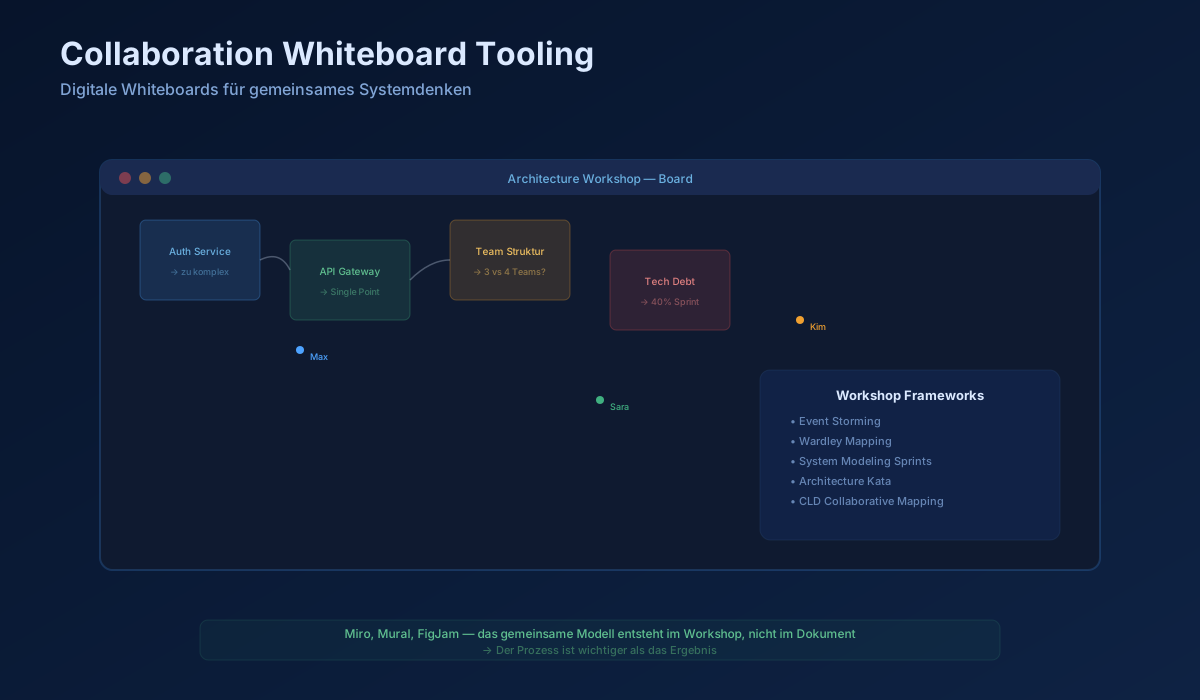
Most complex architecture, especially sociotechnical architecture, is not created in isolation by typing UML into a text file. Complex systems must be shaped live and collaboratively by domain experts, business owners, and architects. When teams work across time zones, the physical whiteboard covered in sticky notes is gone. Collaboration Whiteboard Tooling such as Miro, Mural, or FigJam provides an unlimited multiplayer canvas. It nearly closes the delay gap in architecture planning down to real-time synchronization.
Tool Mechanics
These tools succeed through deliberate simplicity. Unlike heavyweight CAD or system-dynamics software, they have no steep learning curve. Every participant can instantly create a sticky note, draw arrows, apply colors, or group ideas. The key mechanic is the extremely low barrier for non-technical stakeholders, the people who actually understand the business domain. Live cursors create a shared mental room and a kind of collective focus.
Architecture Use
1.Event Storming (Domain-Driven Design): 20 developers and 5 sales specialists enter the board and throw hundreds of yellow sticky notes, events, onto the infinite digital paper in time order to force the boundaries of future microservices.
2.Wardley Mapping: Management sketches value-chain graphs live to decide radically which cloud capabilities should be outsourced immediately as utility and which the team must build itself as genesis.
Limits and Risks
The unstructured workshop output. After a four-hour architecture workshop, a digital whiteboard is often an unreadable field of 5,000 sticky notes, disconnected arrows, and abandoned thought fragments. If that workshop output is not carefully distilled by the lead architects into hard Architecture Decision Records (ADRs) during the final 30 minutes, the entire effort evaporates. A screenshot of a tangled Miro board is not a system document.
Diagram
Differentiation
Causal Loop Tools (CLD) enforce graphical correctness and loop structure. Collaboration Whiteboards are intentionally formless. You can draw whatever the current systems-thinking conversation requires, but you sacrifice almost all machine-supported validation in return. The tool will never tell you that your architecture is physically impossible.
Decision and Practice Guide
Be relentless about timeboxing and governance. For an event-storming board in Miro, you need templates in which a red card always means a command, a blue one always means a system, and a green one always means a read-model state. Without a predefined visual syntax, the board quickly turns into a meaningless art project with no decision-making power.
Sources
Miro — Online Collaborative Whiteboard
Alberto Brandolini — Introducing EventStorming (Leanpub, 2021)
Authors & Books
Go to referencesRelevant references for Collaboration Whiteboard Tooling.
Continue reading
Explore related topics from Tooling
Agent-Based Modeling Tools
Tools that simulate the behavior of many autonomous actors — for example how teams respond to new architecture rules — to surface emergent effects before rollout.
Architecture Observability Tooling
Traces, metrics, and logs as architecture diagnostics: they make gradual structural decay visible before it turns into incidents.